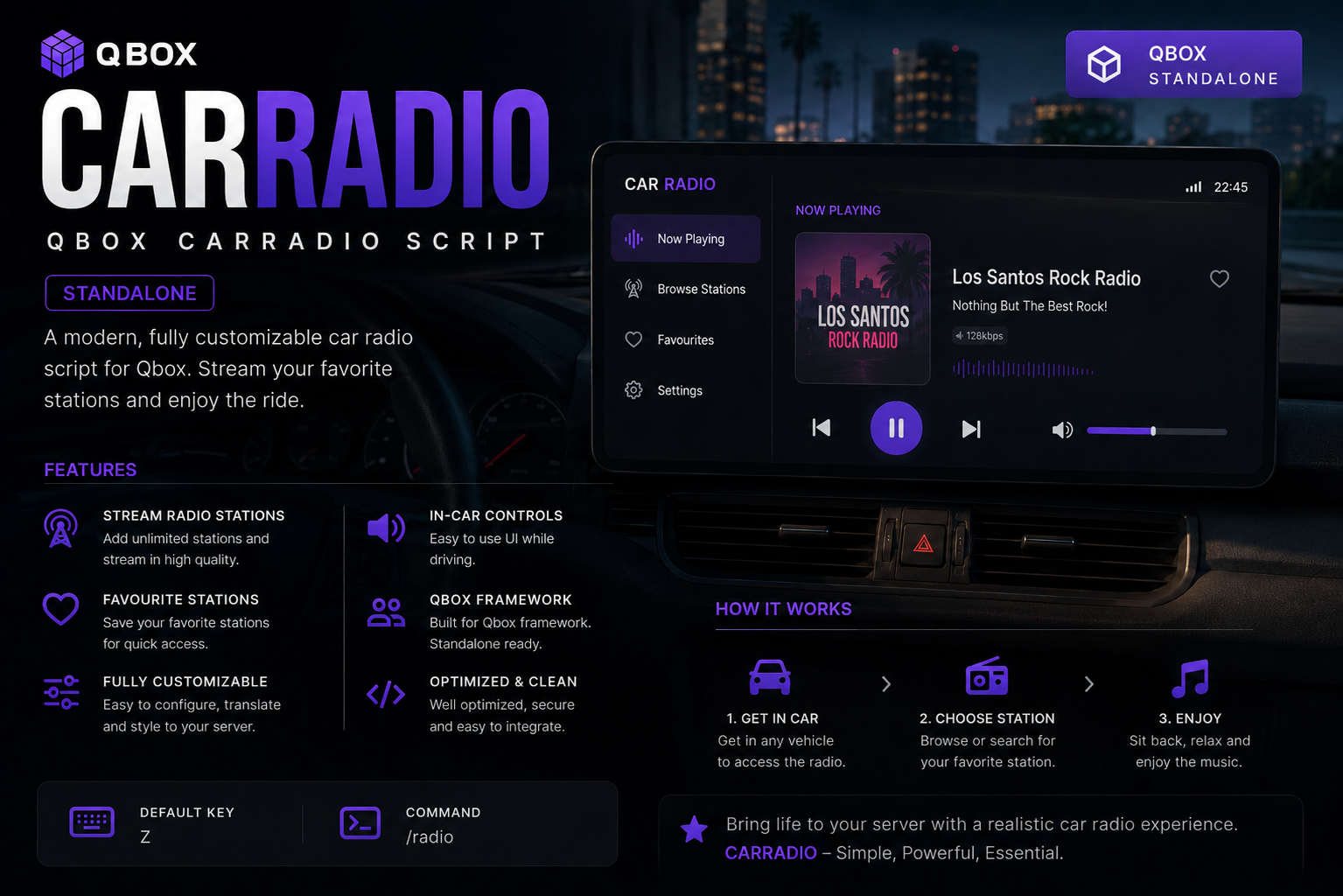
YouTube car radio
- Paste YouTube links or IDs and play in your vehicle
- Grabs title / channel / thumbnail automatically
- Music keeps playing while you drive, even with the UI closed
Personal playlists (per player)
- Create multiple playlists in-game (no pop-up boxes)
- Add current song to any playlist, play or remove individual tracks
- Favourites button to quickly save the current song
- Playlists are saved locally per player (not shared, not server DB)
Vehicle-based 3D radio
- Radio is attached to the vehicle (not the player)
- Other players hear your music around the car within a configurable radius
- Volume falls off with distance (closer = louder, far = quieter)
- Up to 4 nearby car radios per client with distance-based volume
- Music stops for everyone when the vehicle is stored / deleted / despawned
Clean NUI interface
- Modern dashboard: Now Playing, Browse, Playlists, Settings
- Artwork, song title, channel, simple visualizer, play/pause, prev/next, volume slider
- In-game modals for new / rename / delete playlist (no browser prompts)
Controls
- Command: /carradio (toggle open/close)
- Default keybind: GRAVE (`) – rebindable in GTA key settings
- Driver-only by default (configurable); optional vehicle class whitelist
Framework & server support
- Works with Qbox (qbx_core), TMC (core), or standalone
- Uses OneSync entity state to sync which vehicle is playing which song
- Cleans up on player logout / disconnect / resource stop so radios don’t get stuck
Configurable (config.lua)
- Choose framework mode: auto / qbox / tmc / standalone
- RadioHearDistance, RadioFalloffExponent, RadioMaxProxies
- Toggle driver-only, allowed vehicle classes, and framework validation